
This document walks through an example OT incident response and recovery flow, and how Access Gate is used at each phase: detection, quarantine, and recovery.
Treat it as a template. Adapt the thresholds, the assets, and the actions to your own plant and your own runbook, and tick each step off as you go.
Phase 1: Detection
This phase happens before any incident, when you set up the system. Access Gate generates detections from asset behavior and a configurable rule set, then forwards them to your SIEM, so that when something goes wrong the alert is already reaching your responders where they work.
- Head to Rules → Configure Forward and point Access Gate at your SIEM.
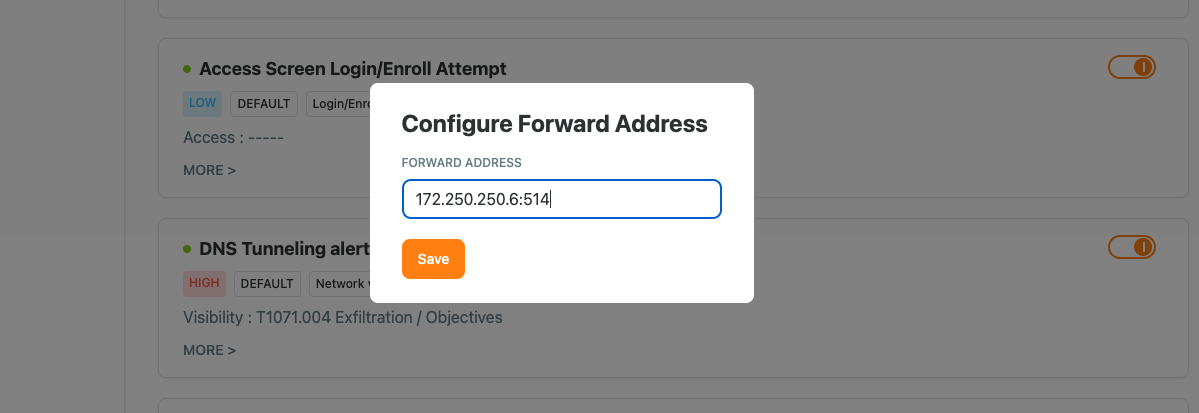
For the full setup, see Log Forwarding and SIEM Export. More detailed guides are available for specific SIEM systems:
Phase 2: Quarantine
This is where incident response begins. An alert reaches your SIEM, and you log into Access Gate to act on it.
For an urgent case, quarantine the asset directly:
- Open the asset and set its status to In Maintenance or Disabled. This suspends all communication to and from that asset.
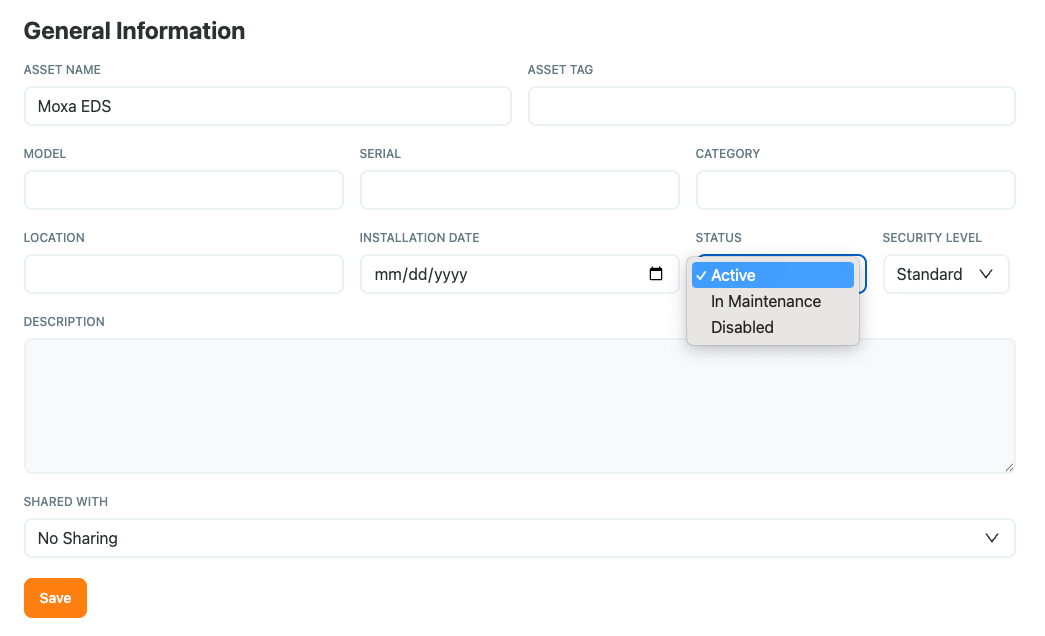
For non-urgent cases, do not quarantine the full asset.
Work through the asset's enclave rather than shutting it down entirely:
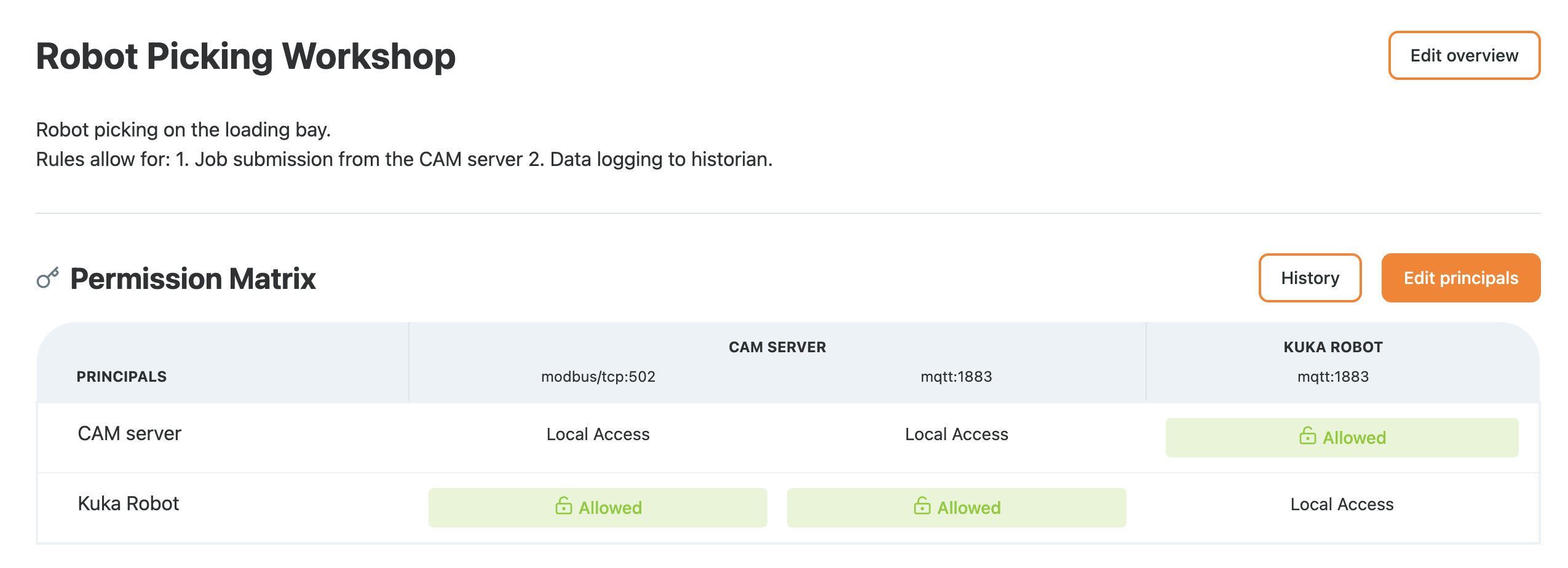
- Open the enclave and review the communications inbound to and outbound from the asset.
- Identify the at-risk behavior.
- Toggle off the specific access that carries it, moving that flow into quarantine while the rest of the asset keeps running.
- Keep one path open for troubleshooting, an RDP session for example, so an engineer can still reach the device. See Configure RDP flows to set that up.
Phase 3: Recovery
After troubleshooting the device, bring it back step by step:
- Re-enable each connection in turn.
- Confirm traffic looks normal as you go.
- Return the asset to production.
Because enforcement lives on the overlay, you are re-enabling flows at the Access Gate, not reconfiguring the machine itself. The physical asset never changed.
What we have achieved
Across the three phases we have:
- Detected the incident from rules running inline, and forwarded the alert to the SIEM.
- Quarantined the risk, either by disabling the asset outright or by cutting only the at-risk flow inside the enclave while keeping the plant running.
- Recovered by re-enabling flows on the overlay, one step at a time, without ever touching the physical asset.
This is OT incident response and recovery that respects uptime: containment and recovery happen on the control plane, while the physical plane keeps running.