
SMB (Server Message Block) is the protocol behind Windows file shares, network drives, and the folders where documents, engineering files, and PLC programs live. It runs over TCP port 445 (legacy 139) and is everywhere in IT, and increasingly bridged into OT for recipe, program, and report transfer. It is also one of the most common paths for ransomware to spread and for data to leave a site, which makes controlling who can reach a share a high-value security control.
Securing SMB is best understood in layers: who can reach the share, how the bytes are protected in transit, and what a user can do once connected. Access Gate owns the first layer and complements the other two.
SMB versions decide what is possible
The protocol version negotiated on a share sets the security floor, and old versions are a real liability:
- SMBv1. Deprecated and dangerous. It is the vector behind EternalBlue and most SMB-borne ransomware (
T1021.002), has no meaningful encryption, and weak signing. It should be disabled everywhere; if a legacy device only speaks SMBv1, isolating it behind the gate is the priority. - SMB 2.x. Supports signing (integrity and anti-tamper) but not encryption.
- SMB 3.x. Adds encryption (AES-CCM, and AES-GCM in 3.1.1) and stronger signing. This is SMB's own confidentiality on the wire, negotiated between client and server, independent of any tunnel.
The practical consequence: on a modern client and server you can get wire confidentiality from SMB3 itself. On legacy gear you cannot, and the gate's reachability control becomes the load-bearing protection.
Three layers to secure a share
Layer 1: control who reaches the share (Access Gate)
This is the layer Access Gate provides, and the highest-value one for the ransomware and exfiltration risk.
To start, add the file server as an asset, define its SMB service, and place it in an enclave with an allow rule granting access. See Protecting an asset with enclaves and Access Control Lists.
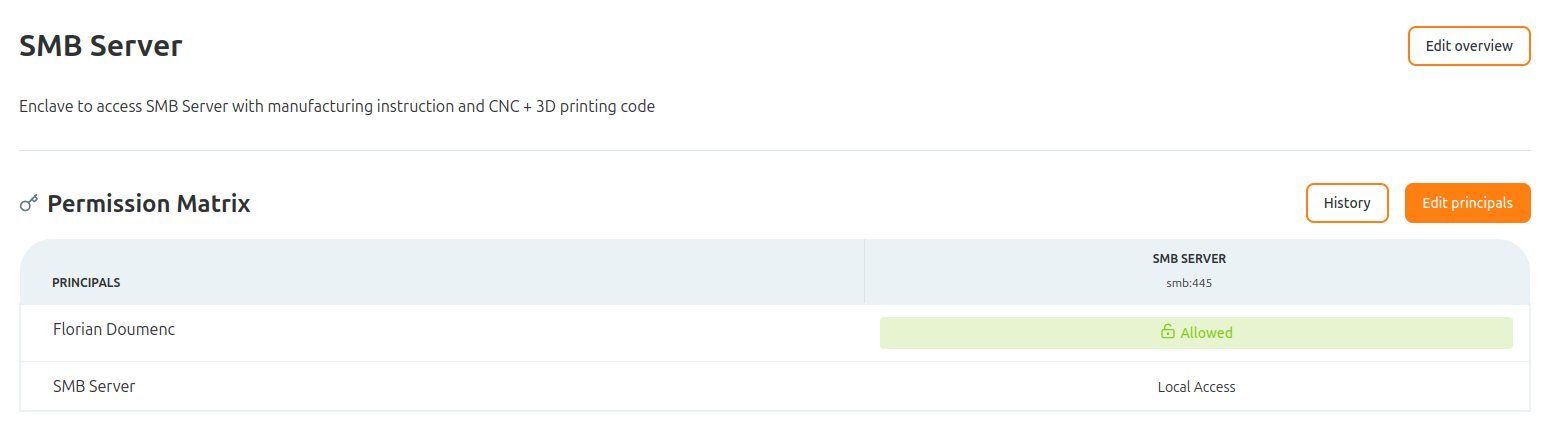
Point the client at the share using the Access Gate overlay IP rather than the file server's raw address. The session is brokered through the gate.

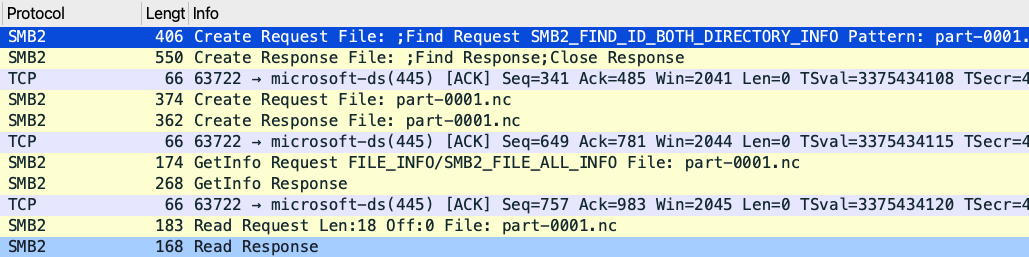
The connection is established and packets flow through the gate.
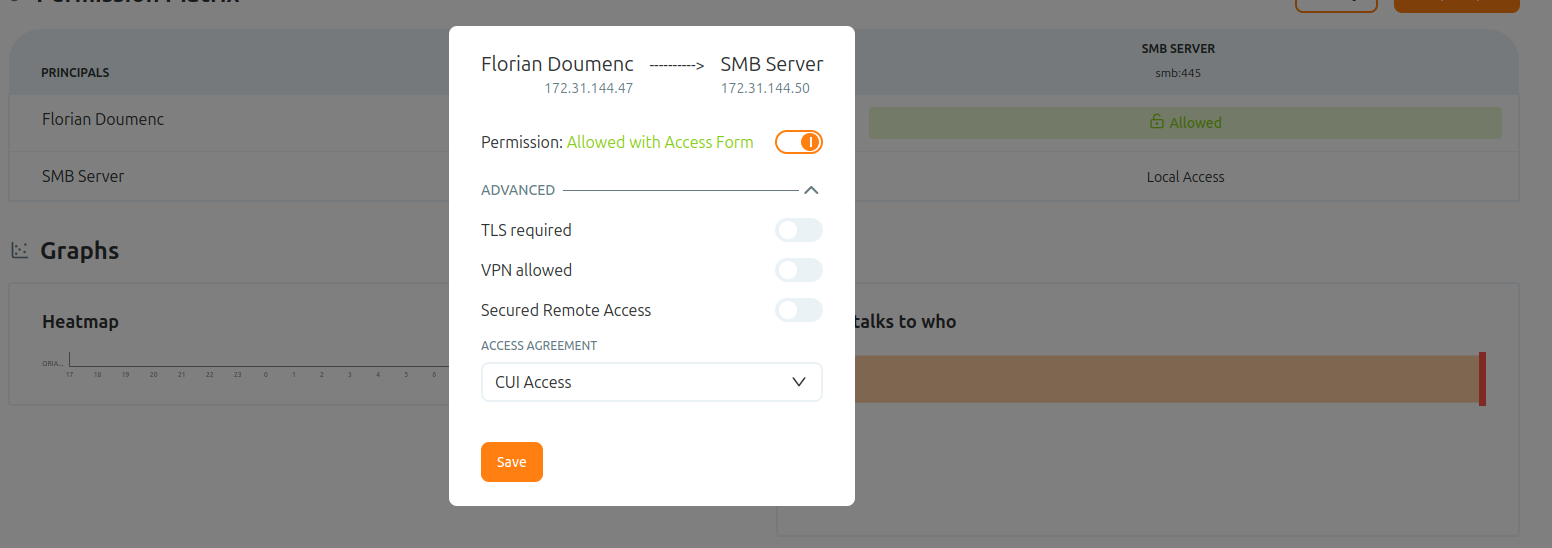
So far access is granted by network policy. Add an access screen to require the user to authenticate before the share is reachable, turning reachability into an identity-verified grant. See Authenticate users with access screens.
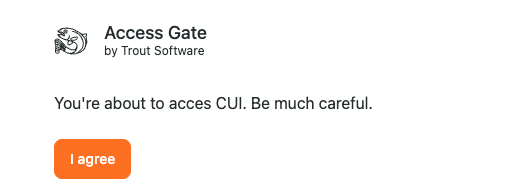
The user must now authenticate through the access screen before access is granted. Until they do, the share stays unreachable.
The gate detects and logs every SMB session it brokers:
Layer 2: protect the bytes on the wire (SMB3)
Where client and server both speak SMB 3.x, turn on encryption and require signing on the share. Signing stops SMB relay and tampering attacks; encryption gives confidentiality without any tunnel. This is SMB's native equivalent of message-layer security: it is mutually negotiated and needs no terminator. On Windows, this is set per-share or server-wide (Set-SmbServerConfiguration -EncryptData $true, and require signing). Treat it as the default for any modern share carrying sensitive files.
For a legacy client or server that cannot do SMB3 encryption, the wire is unprotected on its own, and Layer 1 isolation plus a trusted network path become the confidentiality story. State that honestly rather than assuming the bytes are encrypted.
Layer 3: what the user can do (server-side permissions)
The gate decides who reaches the share; the file server still decides what they can do once there. Keep share and NTFS permissions as a distinct, least-privilege layer. The gate does not replace them, it puts an identity-verified front door ahead of them.
Notes & Gotchas
- Disable SMBv1 first. Before tuning anything else, confirm SMBv1 is off across the fleet; isolating any device that still requires it behind the gate is the priority.
- Layers, not alternatives. Gate reachability, SMB3 encryption, and server permissions each defend a different failure. Use all three.
Recap
You secured a share in layers: an Access Gate enclave and access screen so reachability over port 445 becomes an identity-verified grant, SMB3 signing and encryption so the bytes are protected on the wire, and server-side permissions so a connected user can still only do what they are entitled to.
Reach for this to control who can reach a Windows file share over port 445, a common path for ransomware spread and data exfiltration, while keeping native SMB3 protection and server-side permissions as the layers behind it.