
This page covers how to upgrade an Access Gate appliance to a new release, either from a USB flash drive or, as of v26.6, over the network from a signed package URL, with A/B installation and automatic rollback.
Access Gates have a new version released every three months.
Access Gate supports two upgrade methods: a USB flash drive, or, as of v26.6, a network upgrade fetched over HTTP(S). USB is simplest for a single appliance; the network method is the practical option for fleets and virtualized deployments.
Upgrade by USB
- Coordinate with your integrator or Trout team to receive the flash drive with the upgrade.
- Connect the Flashdrive to a USB of the Access
- Access the interface of the Access Gate, and head to Settings > Backups & Reboot
- Scroll to the bottom of the page and click Upgrade
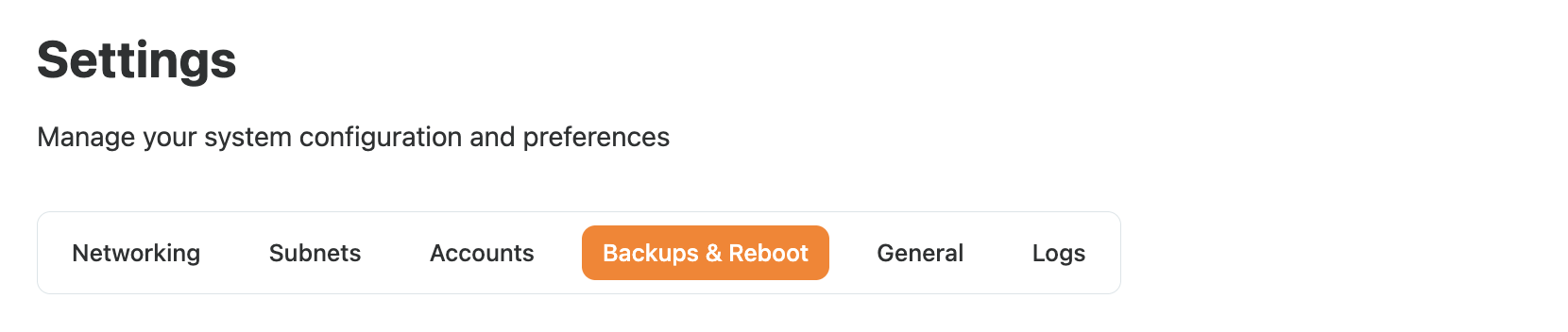
Navigate to Backups & Reboot

and click Upgrade
Upgrade over the network (HTTP/S)
As of v26.6, Access Gate can pull an upgrade package from a URL instead of a USB drive. The URL can point to a local (air-gapped) server, a partner-hosted server, or the Trout public server. This is what makes fleet upgrades practical, because the package is fetched and installed without anyone visiting the device.
To run a network upgrade:
- Head to Settings > Backups & Reboot
- Click on Setup Remote Repository, and Enter the upgrade package URL
- Click Upgrade
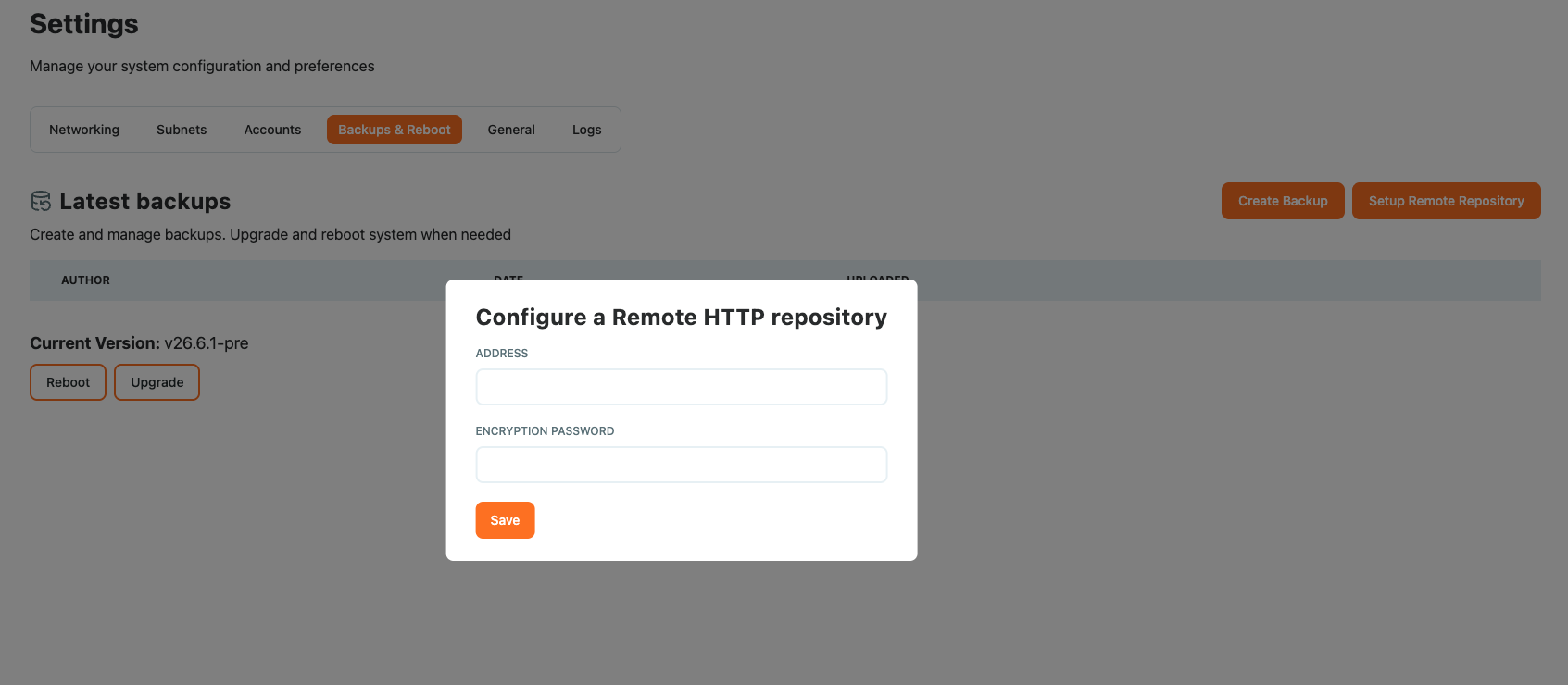
The package is downloaded, verified, and installed automatically. Behind the scenes:
- Each package is cryptographically signed and verified before installation.
- Installation is A/B: the new version is staged alongside the running one, so a failure cannot leave the appliance unbootable.
- An append-only log of permitted version transitions blocks downgrades and unrecognized images. Upgrades advance one version at a time.
- On failure, the system rolls back automatically to the last known-good state, including the backup taken before the upgrade.
- Upgrade downloads are restricted to the admin interface.
Recap
We upgraded an Access Gate, either from a USB flash drive or, as of v26.6, over the network from a signed package URL, with A/B install and automatic rollback. Reach for this every quarter when a new release ships, using the network method for fleets and virtualized deployments.